
Closing your Shopify store is permanent. Before you delete, understand the process and explore alternatives.
Why Delete Your Shopify Store?
You might want to delete your store for several reasons:
- Moving to a different platform
- Business closure
- Testing period ended
- Rebranding with a fresh start
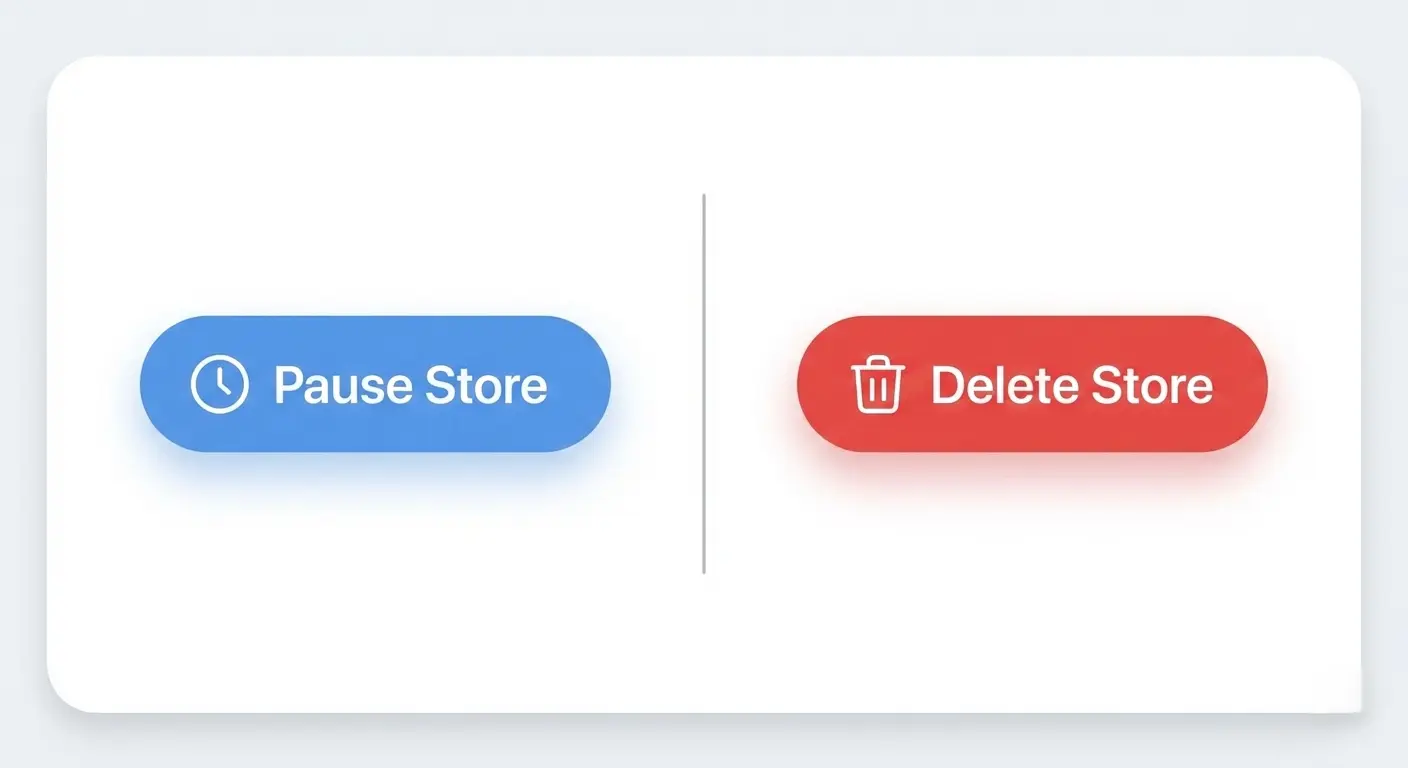
Before deleting, consider pausing your store instead. This option preserves your data while reducing costs to $9 per month.
What Happens When You Delete Your Store
Deletion removes everything:
- All product listings
- Customer data
- Order history
- Blog posts
- Store content
- Domain connections
- Email lists
You lose access to your admin panel immediately. Shopify keeps some data for legal compliance, but you lose control of your business information.

Steps to Delete Your Shopify Store
1. Export Your Data First
Download all critical information before deletion:
Go to Settings > Data and privacy > Store data > Request data export
Save these files:
- Customer lists
- Product catalogs
- Order histories
- Financial reports
- Email subscriber lists
2. Cancel Active Subscriptions
Review and cancel:
- Shopify apps
- Third-party integrations
- Shipping label subscriptions
- Marketing tools
Check your billing section for recurring charges. Cancel subscriptions at least 24 hours before store deletion to avoid additional charges.
3. Resolve Outstanding Payments
Clear all financial obligations:
- Pay pending Shopify bills
- Process final customer orders
- Issue necessary refunds
- Settle payment gateway balances
Wait for all transactions to complete. Payment processors need 3-5 business days to finalize settlements.
4. Deactivate Your Store
- Log in to your Shopify admin panel
- Navigate to Settings > Plan
- Click “Deactivate store” or “Sell or close store.”
- Select “Close store.”
- Choose a reason for closure (optional)
- Confirm your decision
Shopify sends a confirmation email. Your store goes offline immediately, but you have 90 days to reactivate if you change your mind.
5. Complete Final Deletion
After deactivation, your store enters a frozen state. To delete permanently:
- Wait for the billing cycle to end
- Shopify sends deletion confirmation options
- Confirm final deletion through email
Once confirmed, deletion is irreversible. All data disappears within 48 hours.
Alternatives to Deletion
Pause Your Store
Pausing costs $9 per month. You keep:
- All store data
- Admin access
- Ability to reactivate quickly
Your storefront goes offline, but you maintain your Shopify account. Good for temporary breaks or financial constraints.
Migration to Another Platform
Need different features? Consider Shopify store migration services. Professional developers transfer your:
- Product catalogs
- Customer databases
- Order histories
- SEO settings
Shopify store development services handle technical complexities. Your business continues without data loss.

Store Redesign
Unhappy with your current design? Deleting isn’t necessary. Work with custom Shopify store design experts to:
- Refresh your brand identity
- Improve user experience
- Update outdated layouts
- Optimize conversion rates
Shopify theme development enables seamless transformations of your store without losing existing data.
When Professional Help Makes Sense
Some situations require expert assistance:
Complex Store Operations
Large inventories need careful handling. A professional Shopify developer ensures proper data management during:
- Platform transitions
- Store restructuring
- Database cleanups
- Integration removals
- Technical Modifications
Before deleting, fix underlying issues. Shopify app development adds missing features. Shopify speed optimization improves performance. These solutions often eliminate deletion needs.
Enterprise Solutions
Running Shopify Plus? Shopify Plus development specialists understand enterprise-level complications. They provide:
- Advanced migration strategies
- Custom integration management
- Data security protocols
- Compliance requirements
Specialized Services
Address specific problems before deciding to delete:
- dropshipping store setup fixes supplier integration issues
- Shopify SEO services improve traffic and sales
- Shopify payment integration resolves transaction problems
A Shopify store builder reconstructs your entire operation with better foundations
Post-Deletion Considerations
Domain Names
Your domain disconnects from Shopify after deletion. Transfer it to:
- Another e-commerce platform
- Domain registrar control
- New business venture
Log in to your domain provider and update DNS settings within 24 hours.
Email Marketing
Export subscriber lists before deletion. Import contacts into:
- Mailchimp
- Klaviyo
- ConvertKit
- Other email platforms
Maintain customer relationships despite store closure.
SEO Impact
Deleting your store kills your search rankings. Set up 301 redirects if moving platforms. This preserves SEO value and guides customers to your new location.
Without redirects, you lose years of ranking work.
Common Mistakes to Avoid
Don’t delete during active sales periods. Complete all pending orders first.
Don’t skip data exports. You lose everything permanently.
Don’t forget app subscriptions. They continue charging after store deletion.
Don’t ignore domain renewal dates. Losing your domain means losing your brand identity.
Don’t delete without checking refund policies. Shopify doesn’t refund subscription fees for partial months.

Final Checklist
Before confirming deletion:
- Export all data files
- Cancel app subscriptions
- Clear financial obligations
- Save customer contact lists
- Download product images
- Back up blog content
- Transfer domain control
- Notify customers about the closure
- Update social media links
- Remove Shopify from business documents
Recovery Options
Deleted by accident? Contact Shopify support immediately. They restore stores within 90 days of deactivation, but not after permanent deletion.
Response times average 24-48 hours. Act fast to recover your data.
The Bottom Line
Deleting your Shopify store is irreversible. Explore alternatives first. Pause your store, migrate platforms, or redesign your site. Professional services solve most problems without losing your
business foundation.
If deletion is necessary, follow the proper steps. Export data, cancel subscriptions, clear payments, and confirm carefully. Your business deserves a proper closure process.