
How to Use Google Trends for SEO in 2026: A Practical Guide for Builders
 Bilal
Updated
5 min read
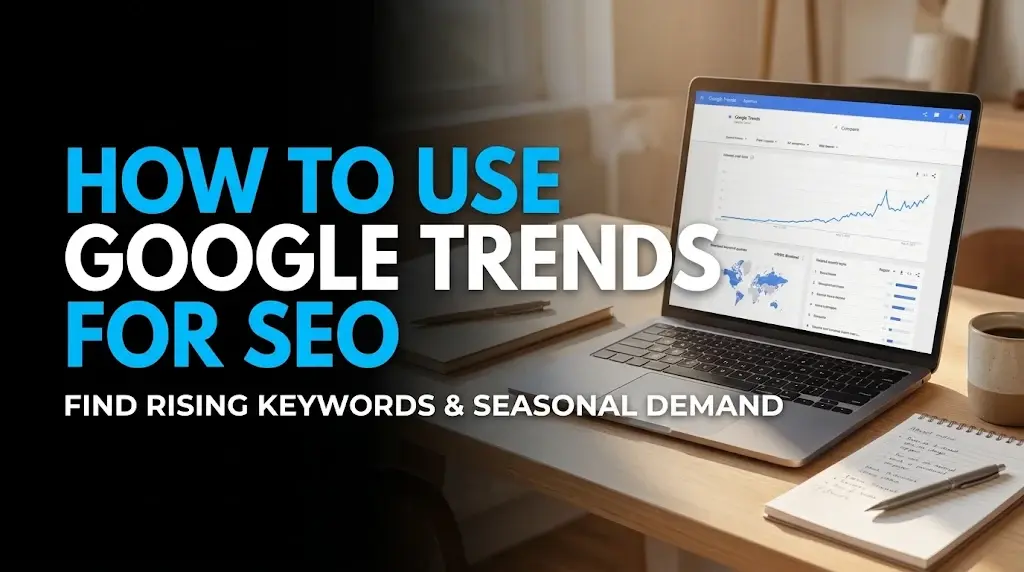
Google Trends is a free tool that shows how interest in a search term changes over time and across places. It helps you decide what to write about, and when. For a builder, it also shows when homeowners start searching for loft conversions, extensions or roof repairs.
So this guide explains how to use it for SEO in 2026, what changed this year and what the numbers do not tell you. First, a note. Google rolls out changes in stages, so you may not see every feature yet.
Want help with this? Book a free 20-minute strategy call, or get a free audit of your website.
What Changed in 2026
On 14 January 2026, Google announced a redesigned Trends Explore page with Gemini built in. It launched on desktop first and rolled out gradually.
- A side panel uses Gemini to find and compare trends related to your topic.
- Google shows suggested prompts, so you can explore further.
- You can compare more terms at once. Fresh Egg reports the limit rose from five to eight.
- Google doubled the number of rising queries on each timeline.
The core method has not changed. Trends still shows relative interest on a scale of 0 to 100.
How to Read the Numbers
A score of 100 means peak popularity for that term, in that place and period. A score of 50 means half as popular. So the chart shows relative interest, not the number of searches.
This matters because two terms can look equal on the chart while one has far more searches. Pair Trends with a tool that gives volume estimates, such as Google’s Keyword Planner, according to ClearAds.
How to Use Google Trends for SEO
- Go to trends.google.com, and open the Explore page.
- Enter a term, such as loft conversion. You can choose Search term or Topic.
- Next, set the country to the UK, US or Canada, and set the time range to five years.
- Add related terms to compare, such as house extension.
- Look at the shape of the line. Is it steady, rising, falling or seasonal?
- Then scroll to Interest by region, to see which areas search most.
- Finally, read the related queries. Compare the Top list with the Rising list.
Five Ways Builders Can Use It
- Find seasonal peaks. If interest in a service rises every spring, publish your guide in winter.
- Choose between similar terms. Compare the words customers use, such as extension, add-on or build-out.
- Target local areas. The region view shows where interest is highest. That helps local SEO.
- Spot rising topics. The Rising list shows queries that grow fast, so you can write early.
- Check a trend before you invest. A falling line is a warning to pick a different topic.
The Trending Now Page
Trending Now shows topics that are spiking by country and category. Backlinko says it also gives volume estimates instead of interest scores. However, most trends there are news items, not buyer searches. So use it for ideas, and check each idea against real customer questions.
Using the Gemini Panel
You can type a topic or a sentence describing your research. Gemini then adds related terms to the chart. For example, you could enter a service and let it suggest comparisons.
Treat the suggestions as a starting point. Gemini finds related terms, but it cannot judge whether a term fits your business. Also check each suggestion against your services and your area.
Common Mistakes
- Treating relative interest as search volume.
- Ignoring location, because interest in London can differ from interest in Leeds.
- Chasing viral topics that never lead to enquiries. ContentGrip notes that search interest does not always mean buyer intent.
- Using too short a time range, since a few months can hide seasonal patterns.
- Skipping checks on terms with very low interest, because Trends may show too little data to judge.
Combine Trends With Other Data
- Use Trends to find the topic and the timing.
- Then check Keyword Planner to estimate volume.
- Also open Search Console to see what your site already ranks for.
- Then write one useful page for each topic, and update it every year.
Our Google Search Console guide explains how to read your own data. Also read our post on SEO vs Google Ads for construction companies to decide where to spend.
How We Can Help
We can research your market, find the terms your customers use and plan content around seasonal demand. Book a free strategy call or get a free website audit. You can also email [email protected]. See our SEO for construction companies service.
Frequently Asked Questions
Is Google Trends free?
Yes. It is a free Google tool, and you do not need an account to use it.
Does Google Trends show search volume?
No. It shows relative interest on a scale of 0 to 100. Use Keyword Planner or similar tools for volume estimates.
What is new in Google Trends in 2026?
Google added a Gemini side panel to the Explore page in January 2026. It also lets you compare more terms and shows twice as many rising queries.
Can Google Trends help local SEO?
Yes. The interest by region view shows which areas search most for a term, so you can target content to those places.


