
Why Websites Crash and How to Prevent It: A 2026 Guide for Small Businesses
 Bilal
Updated
4 min read
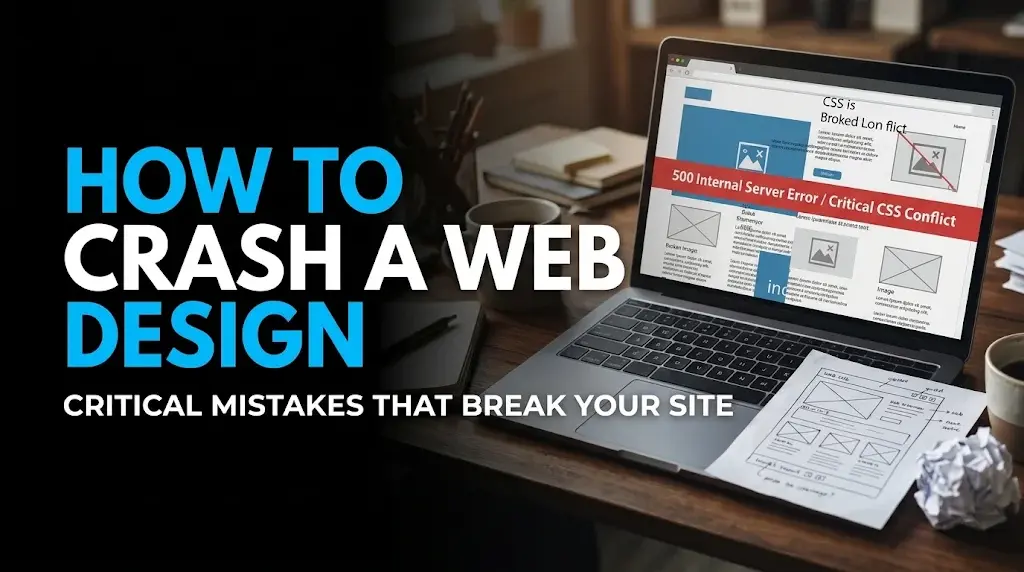
A website crash means visitors cannot use your site. The page may show an error, load forever or not appear at all. For a builder, every hour of downtime can mean missed enquiries from people who then call a competitor.
So this guide explains why websites crash, how to prevent it and what to do when it happens. First, a note. Most crashes have simple causes, and most are avoidable with basic care.
Want help with this? Book a free 20-minute strategy call, or get a free audit of your website.
What Counts as a Crash
- 500 error: the server failed to run your site.
- 503 error: the site is temporarily unavailable.
- 403 error: a firewall or setting blocks access.
- Timeout: the server does not answer in time.
- White screen: the page loads blank, often because of a code error.
Each error has a different cause, so note which one you see.
The Most Common Causes
- Plugin or theme conflicts. A bad update can break a key page or the whole site.
- Weak hosting. A cheap shared server may slow down or fail when it gets busy.
- Traffic spikes. A burst of visitors can overload a server that has no caching.
- Bots and attacks. Floods of fake requests can use up your server’s resources.
- Outdated software. Old WordPress, plugin or PHP versions cause errors and security holes.
- Expired certificates or domains. If an SSL certificate or domain lapses, browsers warn visitors away.
- No maintenance. Full storage and old databases can stop a site working.
What a Crash Costs You
The first cost is lost enquiries. Next comes trust, because a broken site looks careless. Search visibility is the third cost.
Google documents that URLs returning a 4xx error are removed from the index over time. For short planned downtime, Google Search Central says a 503 keeps already indexed URLs while you work, according to PPC Land. So the status code your site sends matters. Our post on Google’s 4xx grace period explains more.
How to Prevent Crashes
- Choose reliable hosting with good support, and upgrade it when your traffic grows.
- Update WordPress, themes and plugins regularly. Test big updates on a staging copy first.
- Keep PHP current. In 2026, the PHP2Shell flaw needed patched versions such as 8.5.12. Read our guide to PHP2Shell and WordPress.
- Take daily backups, and test that you can restore one.
- Add uptime monitoring, so you get an alert the moment the site goes down.
- Use caching and a content delivery network, to handle busy periods.
- Remove plugins you do not use, because each one adds risk.
- Install a firewall, and limit login attempts.
- Also track your SSL and domain renewal dates.
Our guide to website maintenance for builders covers a full routine. Also read our checklist for WordPress security in 2026.
Speed and Crashes Are Linked
A slow site is often one step from a crash. Large images, heavy sliders and many scripts put pressure on the server. However, you do not need a perfect score. Our post on when speed work is worth it explains where to stop.
What to Do When Your Site Goes Down
- Check the error. Note whether it is a 500, 503, 403 or timeout.
- Check your host’s status page, because the problem may be on their side.
- Think about what changed last. A new plugin or update is the usual cause.
- Switch off the last change, or restore a backup.
- If you need time, serve a 503 page, not a 404 or a blank page.
- Tell clients by phone, email or social media, if the outage lasts more than a few hours.
- Afterwards, check Search Console for new errors.
Common Mistakes
- Updating everything on a live site without a backup.
- Choosing hosting on price alone.
- Having no alerts, because then clients tell you first.
- Letting backups run, but never testing them.
- Ignoring warning signs, such as slow pages or repeated errors.
How We Can Help
We can review your hosting, set up backups and monitoring, and fix the causes of repeated downtime. Book a free strategy call or get a free website audit. You can also email [email protected]. See our IT support service.
Frequently Asked Questions
Why does my website keep crashing?
The most common causes are plugin conflicts, weak hosting, outdated software and traffic spikes. Check the error code and your last change first.
What status code should I serve during maintenance?
Serve a 503. Google Search Central says it keeps already indexed URLs while you work. Keep the downtime short.
Will a crash hurt my Google rankings?
A short outage usually does little. However, pages that keep returning 4xx errors are removed from the index over time, so fix long outages quickly.
How can I find out when my site is down?
Use an uptime monitoring service. It checks your site at set intervals and sends an alert when the site stops responding.


